Logging in to iLOQ Locking System
This section describes how to login to iLOQ Locking System.
- On Windows, select .
The login screen is opened.
Figure 1. Login Screen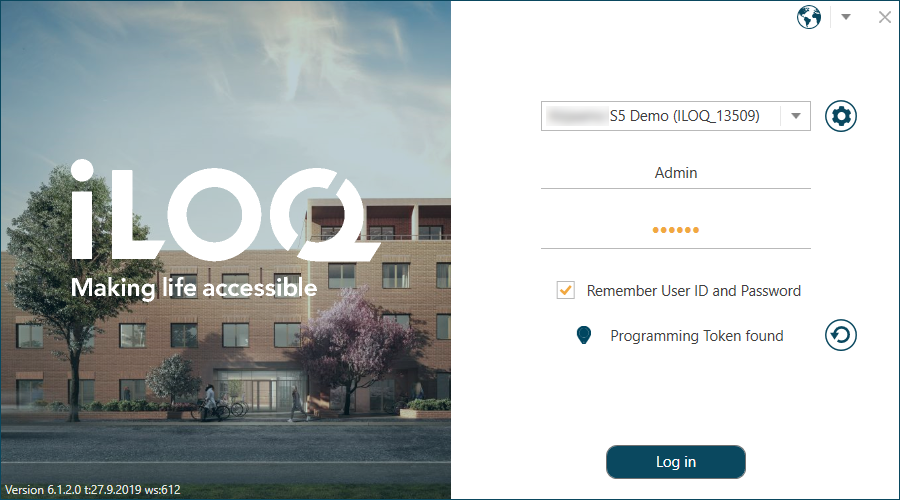
- Select the desired user interface language from the Language menu.
- Select the service to which you want to login, in the Service address drop down menu.
- Place the Programming key into the Programming Adapter and connect the token to the USB cable inside the adapter.
- Connect the Programming Adapter to the PC with another USB cable.
- Wait until the token is found.
If the Programming key is not found, press the refresh button.
- Enter the user name in the upper text entry field.
- Enter your password in the lower text entry field.
Note:
Account lockout
After five unsuccessful sign-in attempts, your account is locked for 30 minutes. After 30 minutes, you can try to sign in again.
- Select Log in.