


How do I reserve a space?
The Reservations function allows the residents to make reservations to common spaces, such as a laundry room or a sauna. Payment for the reservation is also possible through Kodinportaali. You will find the booking calendar by clicking “Reservations”(1.) and then choosing the space you want to reserve.
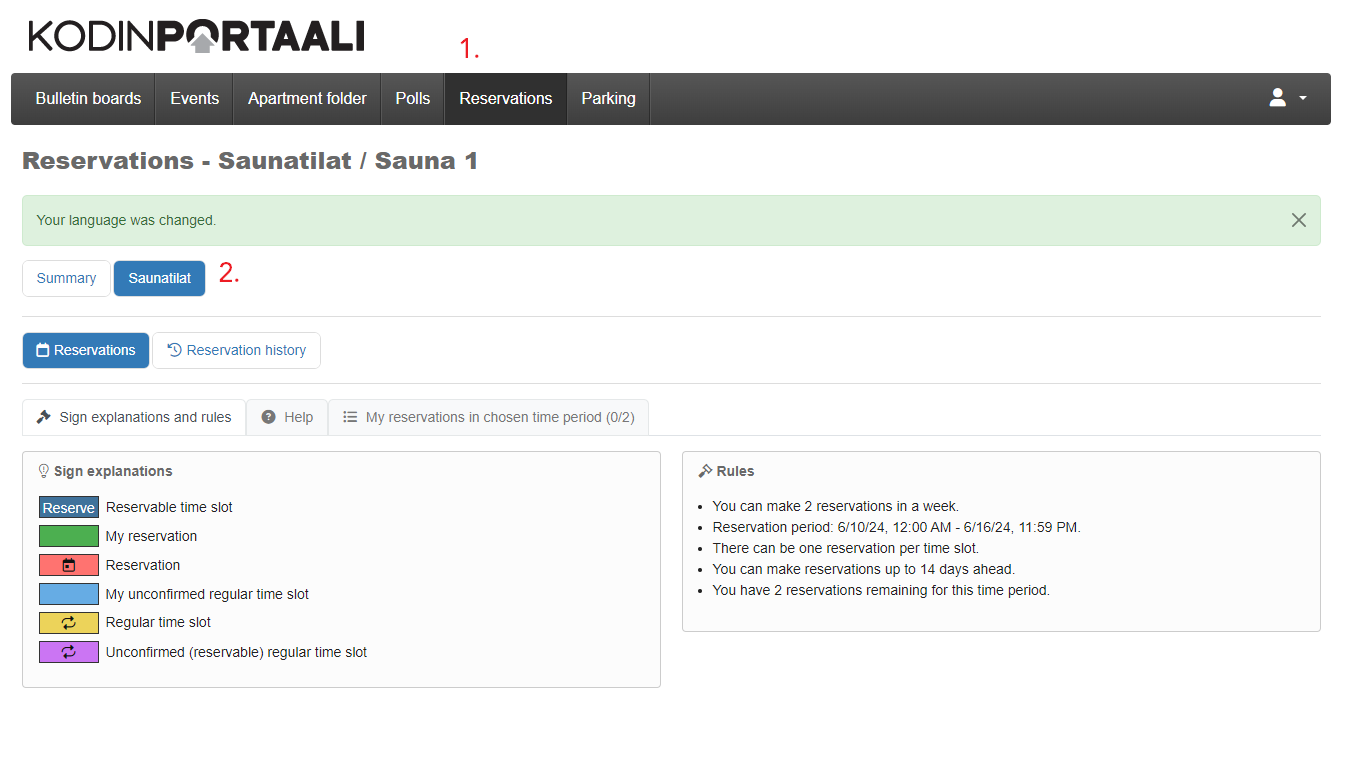
In this view, you will first see the rules and help in reserving the space. Scrolling down, there is a calendar where you can choose the time you want to reserve. Pick a time and confirm. If the reservation is not free of charge, you will be directed to the payment service.
