Perform tasks with programming key
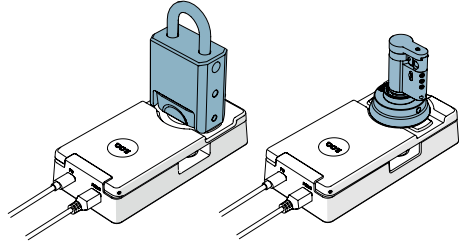
When performing tasks with the programming key , the product in question must be placed against a programming key connected to a computer.
There are two ways to place products against a programming key:
Via programming key
- Connect the programming key to the USB port of a computer with a USB Micro-B cable.
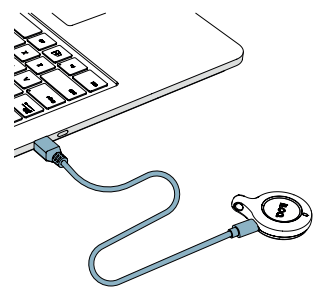
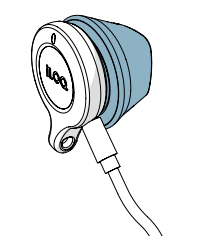
- Place the product against the programming key.
Via programming key and programming adapter
- Connect the programming key to the custom USB cable inside the programming adapter.
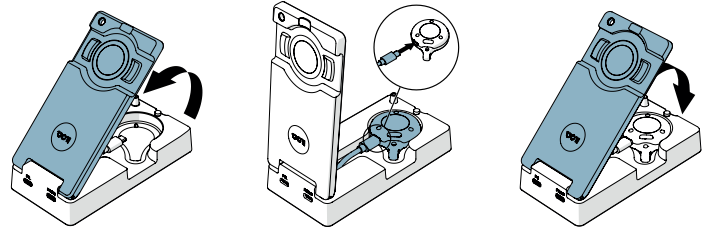
- Connect the programming adapter (via the PC port) to the computer with a standard USB Micro-B cable.
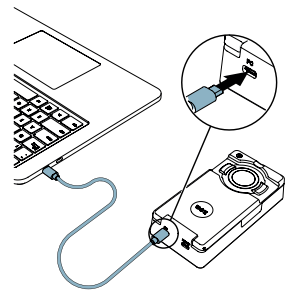
- Place the product on the programming area of the programming adapter.