Selecting the User Interface Language
This section describes how to select the user interface language on iLOQ 5 Series Manager.
Proceed as follows.
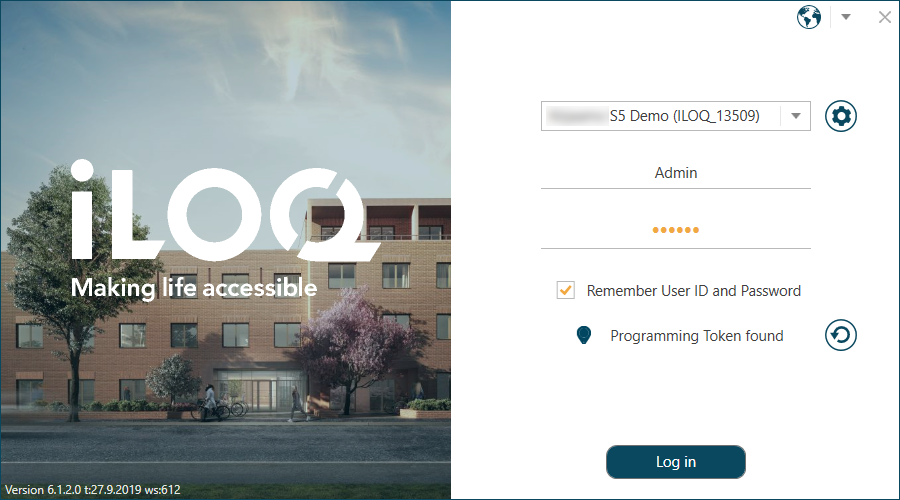
- The default login screen is opened.
Figure 1. Login Screen in Finnish 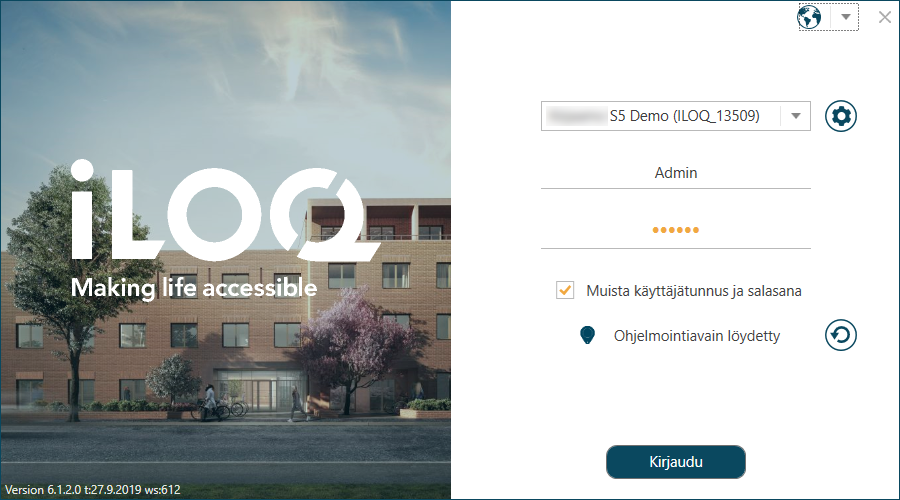
- Click the flag icon to open the language selection drop-down list.
Figure 2. Selecting the Language 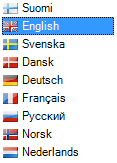
- Select the desired language in the drop-down list.
The login screen in the selected language is opened.
Figure 3. Login Screen in the Selected Language