


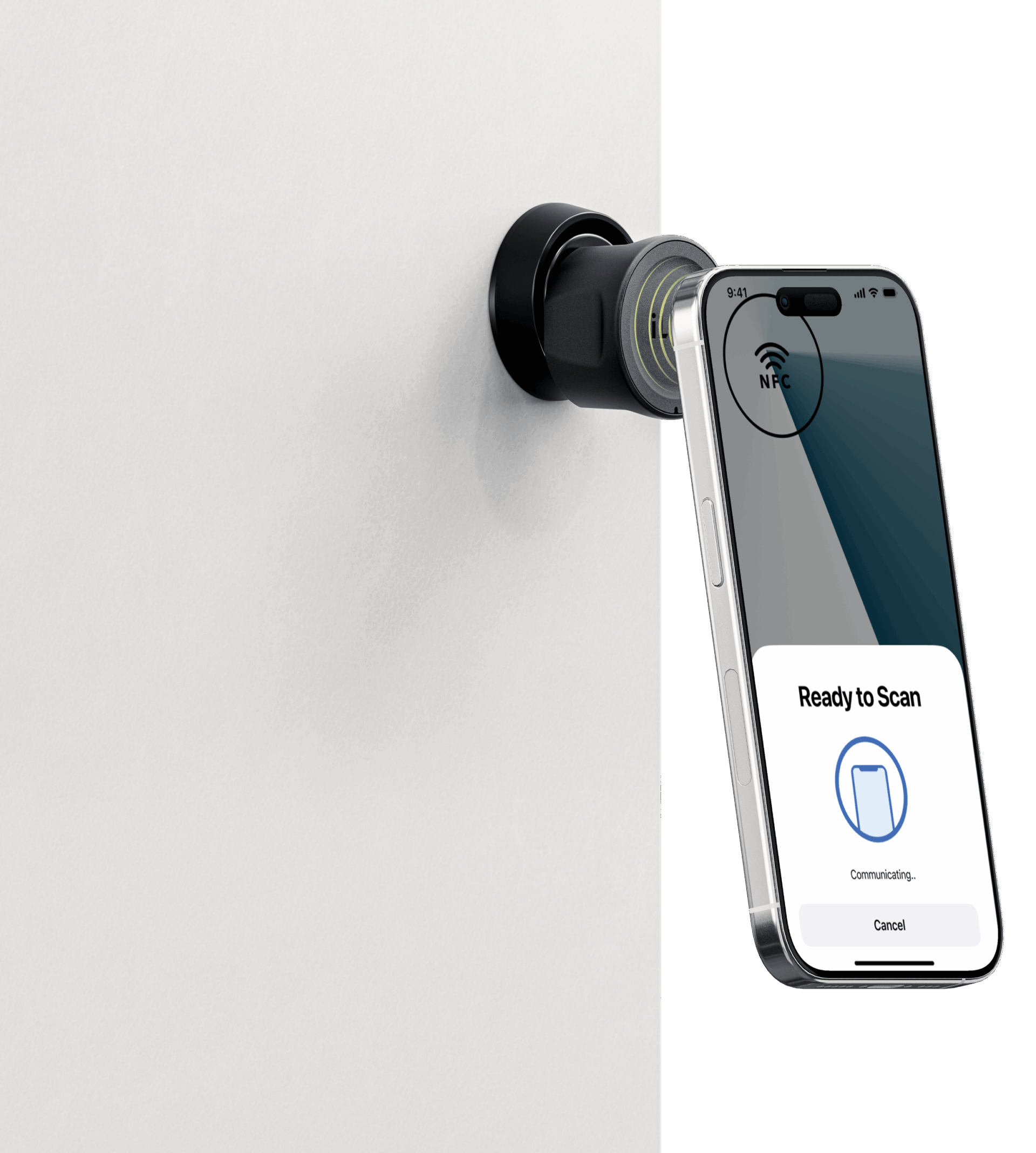
Your phone is the power — and the key
On this page, you’ll find short videos and quick answers to get you through registration, daily use and unexpected moments.
Step 1
Register & download the app
- Download the iLOQ App from the App Store or Google Play.
- Open the app and select your region.
- Tap “New user? Sign up” and enter the email address to which you received the invitation as your username and create a password.
- You will receive a one-time confirmation via email. Once you successfully type in or copy your activation code, your key will be active.
- Once your key has been activated, ensure your iLOQ App home screen shows “Phone key enabled”.
Step 2
Open locks with your phone
App features
Get more out of the app
Support articles


troubleshooting
Solutions to unexpected issues
Trouble creating iLOQ ID
If you are unable to register/create an iLOQ ID, check the steps below:
- Make sure to select the “New user? Sign Up” rather than “Log In” when creating a new account.
- Check that you have selected the correct region when signing up.
- Check that the email address you are using is the same one to which you received the welcome email.
Unable to unlock a door with a phone key
The NFC finder is displayed when using the phone key. It shows exactly where the NFC area of your phone is, making sure the phone is held in the right position against the lock’s reader knob.
- Make sure you line up the NFC finder (bullseye icon) with the lock.
- Hold the phone steadily against the lock for a few seconds.
- Protective covers/cases and other accessories can affect the performance of your phone key. Remove all phone accessories and try again.
Lost your phone?
If you don’t have the phone with your phone key in your possession, you can use the forced fetch feature to transfer your phone key to another phone. When using forced fetch, your phone key will be available on the new phone within two hours.
- On the phone you wish to transfer the phone key to, log in to the iLOQ App with your iLOQ ID.
- On the home screen of the app, select Forced fetch, and then press Fetch my key.
- Your phone key will be available at the time shown on the screen.
