


Conditional lock opening
If the locking system administrator has enabled the conditional lock opening feature, when attempting to open a lock you must agree with all the preconditions before you will be able to open the lock.
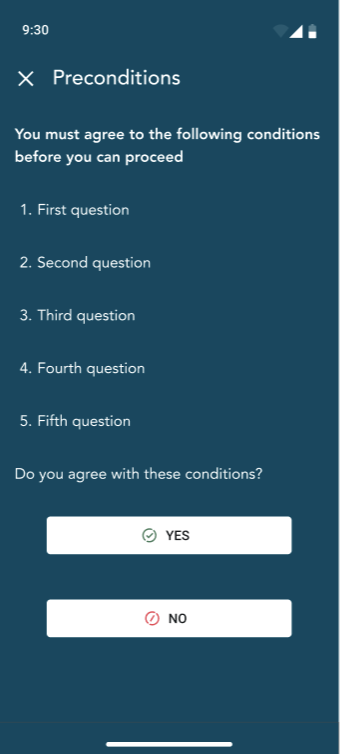
The following message will be shown after you have agreed to the preconditions: Permission to unlock granted. Please try opening the lock again.
After you have confirmed that you agree with the conditions, place the NFC area of your phone against the lock and attempt to open it again. The lock should now open.
- PreviousLocking system admin messages
- NextLocking system icons
