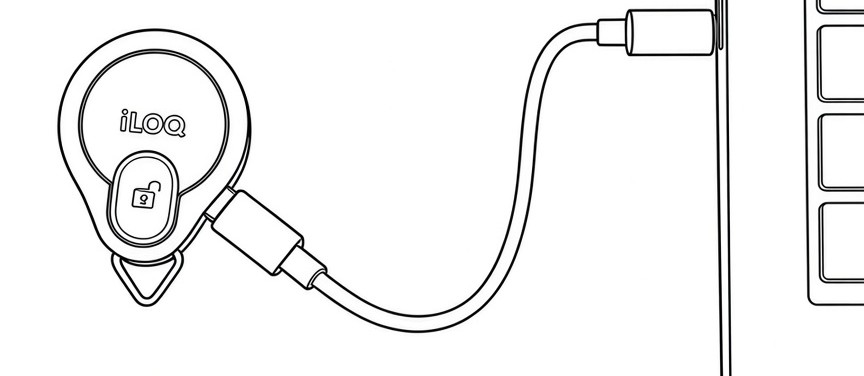
K55S.2 key fob firmware update via USB-C
You can update the firmware of K55S.2 key fobs by connecting the key fob directly to your PC with a USB-C cable. A P55S programming key is not required.
When you are logged in to iLOQ Manager+ and connect a K55S.2 key fob to your PC using a USB-C cable, iLOQ Manager+ automatically checks whether a firmware update is available, and performs the update. Existing settings and accesses remain on the key fob during the firmware update process. Note that an internet connection is required for the firmware check and update.
Note: The firmware of any K55S.2 key fob can be updated. The key fob does not have to be programmed or belong to the same customer system you are logged in to.
Updating the firmware of a K55S.2 key fob via USB-C
- Log in to iLOQ Manager+.
- Connect a K55S.2 key fob to your PC using a USB-C cable.
- iLOQ Manager+ checks if a firmware update is available.
- The progress of the update is shown on the screen.
- When the update is complete, disconnect the key fob from your PC.